raspyrfm_client package
The raspyrfm_client package is the orchestration layer that glues gateways,
control units, and device metadata together. It discovers available
implementations on import, provides ergonomic helpers for runtime access, and
ships with base classes you can extend to model new radio-frequency hardware.
This chapter now pairs narrative explanations, architecture diagrams, and API
maps so you can move from concept to implementation without leaving the page.
Overview
At the centre of the package sits RaspyRFMClient.
It coordinates three core responsibilities:
DiscoveryAutomatically import all gateway and control-unit modules under
raspyrfm_client.device_implementations. Any modules you drop into the tree become available the next timereload_implementation_classes()runs.CataloguingProvide quick lookups for known
Manufacturervalues and the models each manufacturer exposes. These enumerations keep the public API self-documenting.ExecutionInstantiate gateways and control units that conform to the shared base classes in
raspyrfm_client.device_implementations.gateway.baseandraspyrfm_client.device_implementations.controlunit.base. Once instantiated, helper methods such asget_gateway()hand you a ready-to-use transport implementation.
System architecture
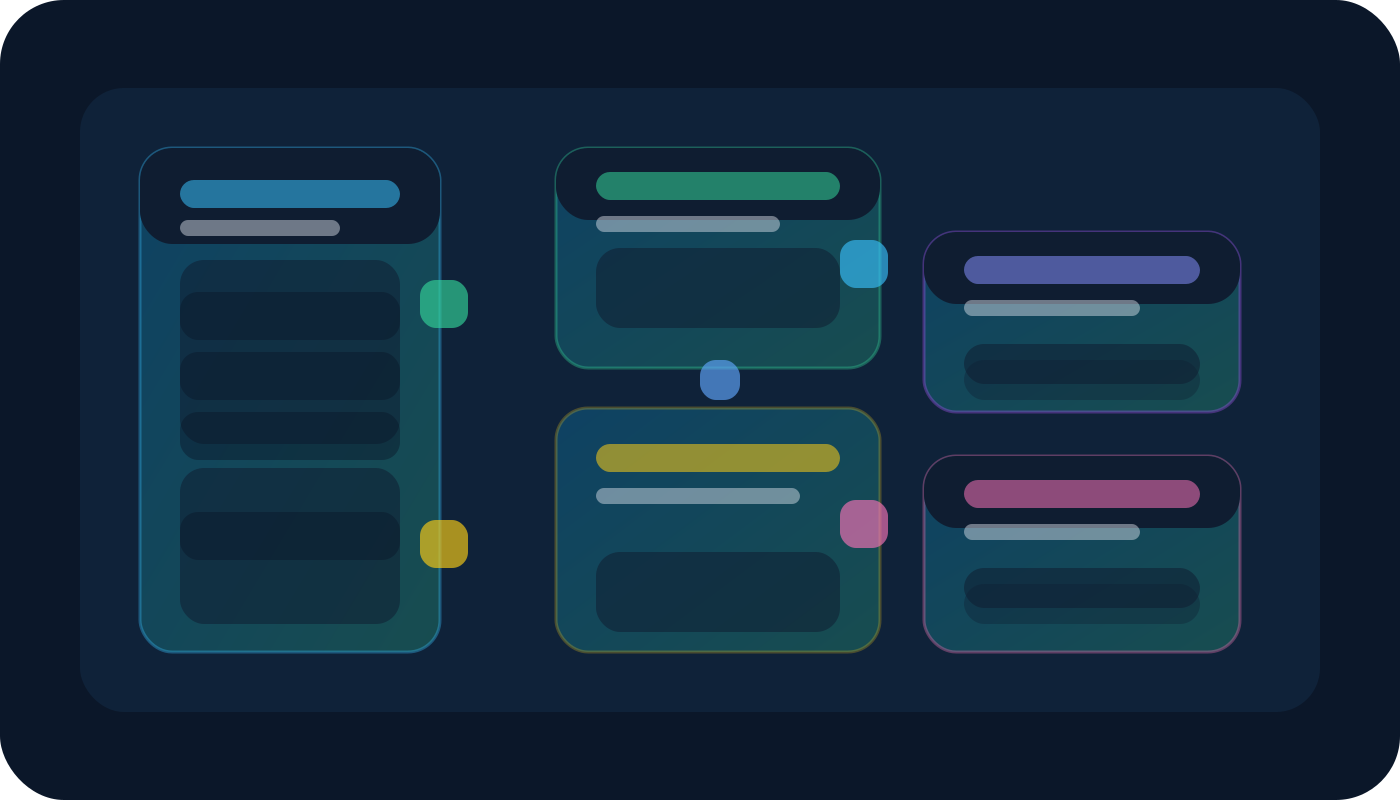
RaspyRFMClient coordinates discovery (left), orchestration (centre), and the
transport surface (right). Discovery scans the device_implementations
namespace, the core aggregates metadata and exposes helper methods, while the
transport layer instantiates gateways and control units that communicate with
real hardware.
Legend:
Discovery bay – Base classes enumerate manufacturers, default models, and lazy-import hooks.
Client core – A single
RaspyRFMClientinstance caches the catalogue, enforces typing, and brokers connections.Execution pods – Gateway and control-unit instances deliver the actual radio operations, exposing
open,close, andsend_codesemantics.
Quick start
Follow the numbered comments to see how a typical integration unfolds:
from raspyrfm_client.client import RaspyRFMClient
from raspyrfm_client.device_implementations.manufacturer_constants import Manufacturer
from raspyrfm_client.device_implementations.gateway.manufacturer.gateway_constants import GatewayModel

# 1. Spin up the client; discovery runs on instantiation.
client = RaspyRFMClient()

# 2. Inspect the catalogue discovered on import.
print(sorted(client.get_supported_gateway_manufacturers()))

# 3. Select a specific gateway implementation by manufacturer/model.
gateway = client.get_gateway(
    manufacturer=Manufacturer.RASPYRFM,
    model=GatewayModel.RASPYRFM_DEFAULT,
    host="192.168.0.42",
    port=49880,
)

# 4. Interact with the gateway using the shared base-class contract.
gateway.open()
gateway.send_code(code="on", socket_id="A1")
gateway.close()
Core concepts
Gateways translate between RaspyRFM and physical transmitters. They inherit from
GatewayBaseand encapsulate connection handling plus RF send logic.Control units describe controllable sockets, blinds, and switches. They derive from
ControlUnitBaseand expose high-level actions defined inraspyrfm_client.device_implementations.controlunit.actions.Manufacturers and models are enumerated in the
raspyrfm_client.device_implementations.manufacturer_constantsandraspyrfm_client.device_implementations.gateway.manufacturer.gateway_constantsmodules respectively, giving you strongly-typed handles for each supported device family.Device manifests (
raspyrfm_client.device) capture metadata that the UI and automation engine consume for labelling, validation, and previews.
Lifecycle checklist
Use this sequence when integrating with a new installation:
Initialise – Instantiate
RaspyRFMClientas early as possible so discovery populates the catalogue.Catalogue – Inspect manufacturers and models using
get_supported_*methods before hard-coding enums in configuration files.Connect – Use
get_gateway()to create transport instances. Gateways share a consistent interface across manufacturers, so you can swap models without refactoring call sites.Compose control units – Build composite scenes by fetching
get_controlunit()instances and triggering actions from automation code.Reload – Call
reload_implementation_classes()after deploying new modules or updating vendor-specific logic; the client will re-import the tree and rebuild the catalogue.
Extending the catalogue
Create a subclass of
GatewayBaseorControlUnitBasein the appropriatedevice_implementationssubpackage.Register new enum values in
raspyrfm_client.device_implementations.manufacturer_constantsand (for gateways)raspyrfm_client.device_implementations.gateway.manufacturer.gateway_constants.Wire any bespoke actions into
raspyrfm_client.device_implementations.controlunit.actionsso UI and automation tooling inherit correct labelling.Call
reload_implementation_classes()or instantiate a freshRaspyRFMClientto pull in the new module.Use
get_gateway()andget_controlunit()to obtain your customised implementations.
Implementation map
Module |
Description |
|---|---|
High-level client that bootstraps implementations, performs discovery, maintains the manufacturer/model catalogue, and exposes helper methods to retrieve gateways and control units. |
|
Data models used to serialise discovered devices, entity manifests, and control-unit payload definitions. |
|
Namespace package containing gateway/control-unit classes organised by manufacturer and model. Place your subclasses here to extend the catalogue. |
|
Abstract base types and mixins shared by all gateway implementations. |
|
Abstract base types and helper utilities for modelling switchable devices. |
|
Re-usable action descriptors (on/off, dim, toggle, etc.) that concrete control units import. |
|
|
Internal helper that walks the package tree, imports modules lazily, and guards against circular dependencies during reloads. |
Integration patterns
Home Assistant bridge – Use the RaspyRFMClient as a long-lived singleton in a background task. Fetch control units for each automation and queue
send_codeoperations onto an executor to maintain responsiveness.Test harness – Couple
raspyrfm_client.clientwith theexample.pyscript. By swapping the manufacturer and model enums you can validate new RF payloads without reconfiguring your production deployment.Custom dashboards – Serialise device metadata from
raspyrfm_client.deviceinto JSON and feed it into front-end graphs or UI cards. The data classes include human-friendly labels that match the UI showcase.
Troubleshooting
Missing implementations – Ensure the Python package path includes the directory containing your new modules before calling
RaspyRFMClient.reload_implementation_classesonly rescans importable modules.Enum mismatches – Align manufacturer and model enums across gateway and control-unit modules. The client raises a
KeyErrorif the pair is unknown, helping you detect typo-induced bugs early.Connection instability – Gateways expose a context manager API. Use
with client.get_gateway(...) as gateway:to ensureopen/closecalls pair correctly even when exceptions occur.
API reference
Example usage of the RaspyRFMClient can be found in the example.py file
- class raspyrfm_client.client.RaspyRFMClient[source]
Bases:
objectThis class is the main interface for generating and sending signals.
- get_controlunit(manufacturer: Manufacturer, model: ControlUnitModel) ControlUnit[source]
Use this method to get a device implementation intance :param manufacturer: device manufacturer :param model: device model :return: device implementation
- get_gateway(manufacturer: Manufacturer, model: GatewayModel, host: str = None, port: int = None) Gateway[source]
Use this method to get a gateway implementation instance :param manufacturer: gateway manufacturer :param model: gateway model :param host: gateway host address (optional) :param port: gateway port (optional) :return: gateway implementation
- get_supported_controlunit_manufacturers() [<class 'str'>][source]
- Returns:
a list of supported control unit manufacturers
- get_supported_controlunit_models(manufacturer: Manufacturer) [<enum 'ControlUnitModel'>][source]
- Parameters:
manufacturer – supported control unit manufacturer
- Returns:
a list of supported control unit models for this manufacturer
- get_supported_gateway_models(manufacturer: Manufacturer) [<enum 'GatewayModel'>][source]
- Parameters:
manufacturer – supported gateway manufacturer
- Returns:
a list of supported gateway models for this gateway manufacturer
- list_supported_controlunits() None[source]
Prints an indented list of all supported manufacturers and models
- list_supported_gateways() None[source]
Prints an indented list of all supported manufacturers and models
- search() [<class 'raspyrfm_client.device_implementations.gateway.base.Gateway'>][source]
Sends a local network broadcast with a specified message. If a gateway is present it will respond to this broadcast.
If a valid response is found the properties of this client object will be updated accordingly.
- Returns:
list of gateways
- send(gateway: Gateway, device: ControlUnit, action: Action) None[source]
Use this method to generate codes for actions on supported device. It will generates a string that can be interpreted by the the RaspyRFM module. The string contains information about the rc signal that should be sent.
- Parameters:
gateway – the gateway to generate the code for
device – the device to generate the code for
action – action to execute
- class raspyrfm_client.device_implementations.gateway.base.Gateway(manufacturer: Manufacturer, model: GatewayModel, host: str, port: int)[source]
Bases:
objectBase gateway implementation
- static create_from_broadcast(host: str, message: str)[source]
- Parameters:
host – the host that sent the message
message – the search response message
- Returns:
a new instance of this gateway based on a broadcast response message
- generate_code(device: ControlUnit, action: Action) str[source]
Base class for all controlunit implementations
- class raspyrfm_client.device_implementations.controlunit.base.ControlUnit(manufacturer: Manufacturer, model: ControlUnitModel)[source]
Bases:
object- get_channel_config_args()[source]
gets required config arguments and their regular expression to check the erguments has to be implemented by inheriting classes
- Returns:
dictionary of arguments
example: {“ID”: “^[A-F]$”, “CH”: “^[1-4]$”}